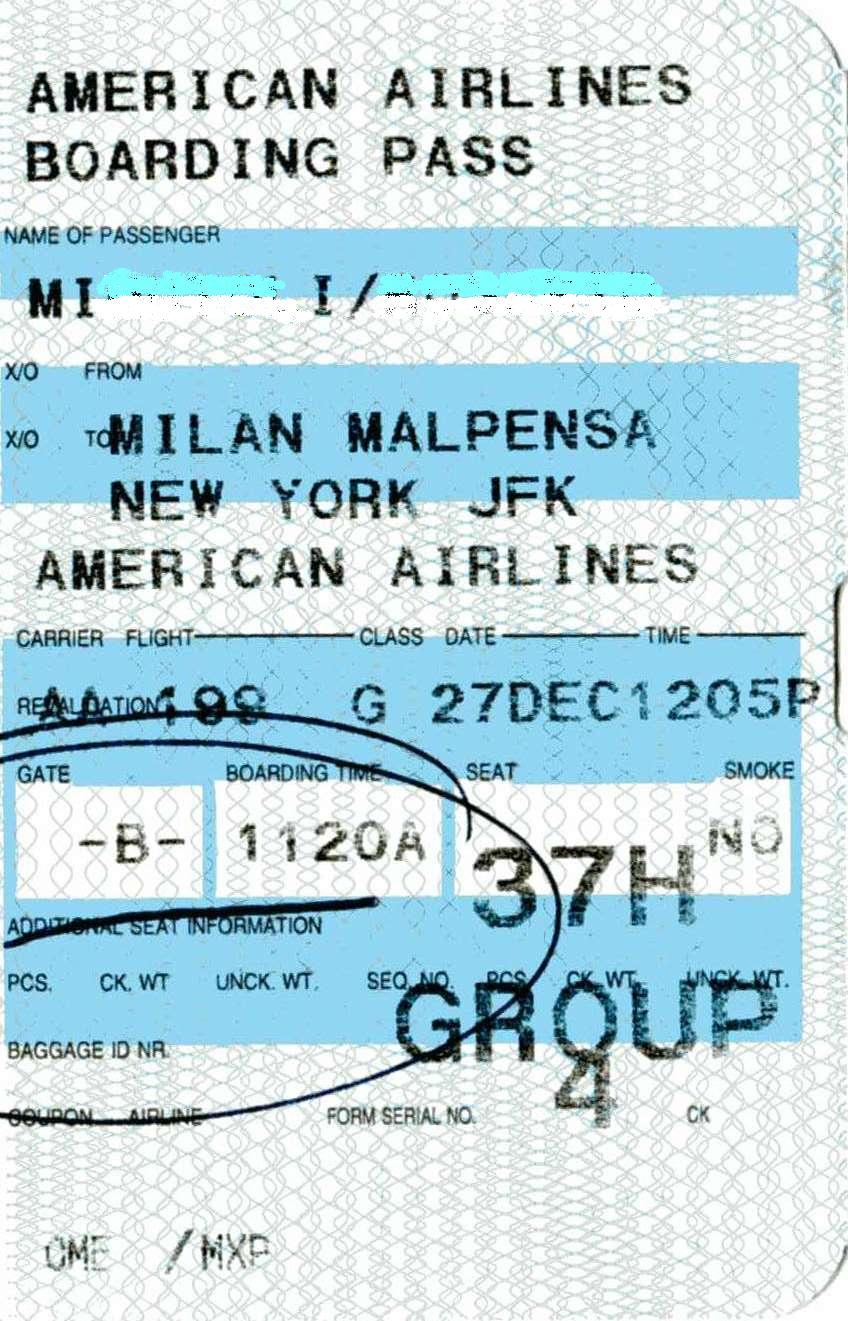
Quick answer. Airline app first. Screenshot is a backup. A dead-phone paper print at a kiosk is the last layer.
A dim screenshot in night mode often will not scan.
MarketPalace Guide Center writes this as a solution walkthrough — the order we would use if we were in the room with you. We name the next click, then what to do if that click fails. We do not sell the TV, the kettle, or the plane ticket.
If a menu name on your set or phone does not match, use the closest wording and email hello@marketpalace.shop. We correct live pages when the path has moved.
What you need
- Airline app
- A charger
In this guide
1. Download the pass in the official airline app and add to Apple / Google Wallet
That is the cleanest scan.
2. Screenshot the QR in normal brightness as a backup
Do not crop the code.
3. If the phone is cracked or dying, print at the airport kiosk or hotel desk
Better a paper pass than a queue argument.
4. Keep the booking reference on paper too
Staff can reprint from that.
If it still fails
- Stop, take a photo of the screen or part, and write to us with the model name. Do not force a part that will not turn.
When you are done, browse more in Travel & Out or search the Guide Center for the next job on your list. A neighbour problem — a remote, a bill, a suitcase — has its own walkthrough.
Common questions
Family of four?
Each person needs their own pass. A single screenshot of yours will not board a child.


